
7.3.1 Running IAP Authentication
(Ask a Question)To run the IAP authentication, perform the following steps:
- Press 3 to initiate the IAP image1
authentication. The IAP authentication with image at index 2 is executed successfully.
Tera Term displays the status code as shown in the following figure.
Figure 7-15. Successful IAP Image1 Authentication 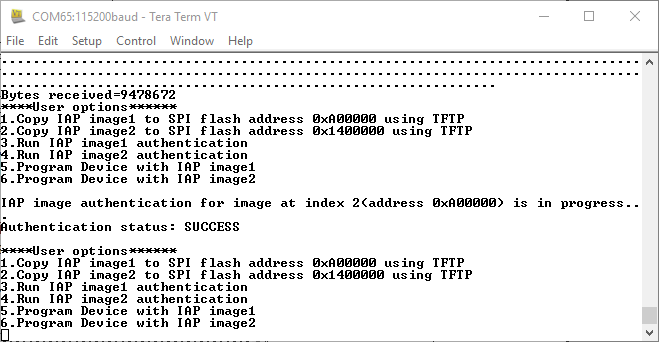
- Press 4 to initiate the IAP image2
authentication. The IAP authentication with image at index 3 is executed successfully.
Tera Term displays the status code, as shown in the following figure.
Figure 7-16. Successful IAP Image2 Authentication 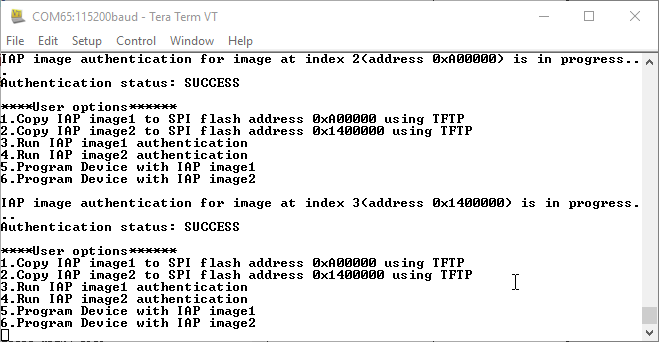
This concludes the IAP image authentication.