5.25.2.1 Microchip ABD File Memory Requirement
The Microchip ADB file memory requirement is equivalent to 2x the size of the ADB file. If your computer does not have 2x the size of your ADB file's memory available, please make memory available on your hard drive.
- Setup Design:
- Enter a Design Name. The design name is used in reports and as the default name when saving or exporting files. The Design Name field is disabled when you open
Designer place-and-route software from the Libero IDE. If you wish to change your design name, from the File menu, choose Save As, and save your file outside of the Libero folder structure.
- If you are creating a Designer Block, select the Enable Designer Block creation checkbox. Designer Blocks are useful if you wish to duplicate design elements. Once you place-and-route and publish your Designer Block you can instantiate the block in as many designs as you like. Note that you cannot program your design in Designer Block mode, only publish the Designer Block files.
- Select an Actel Family from the drop-down menu list.
- Specify a Working Directory. Click Browse to locate a directory. The Working Directory field is disabled when you open Designer place-and-route software from the Libero IDE. If you wish to change your working directory, you must change your filename. To do so, from the File menu, select Save As, and save your file outside of the Libero folder structure.
- Enter a Design Name. The design name is used in reports and as the default name when saving or exporting files. The Design Name field is disabled when you open
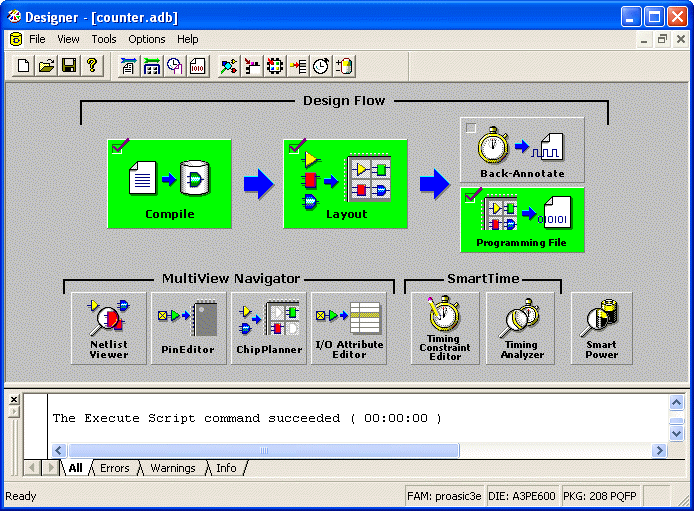
- Click OK. The Designer Custom Design Flow window appears. All tools and commands are activated.