13.17.1 Instance-Instance View
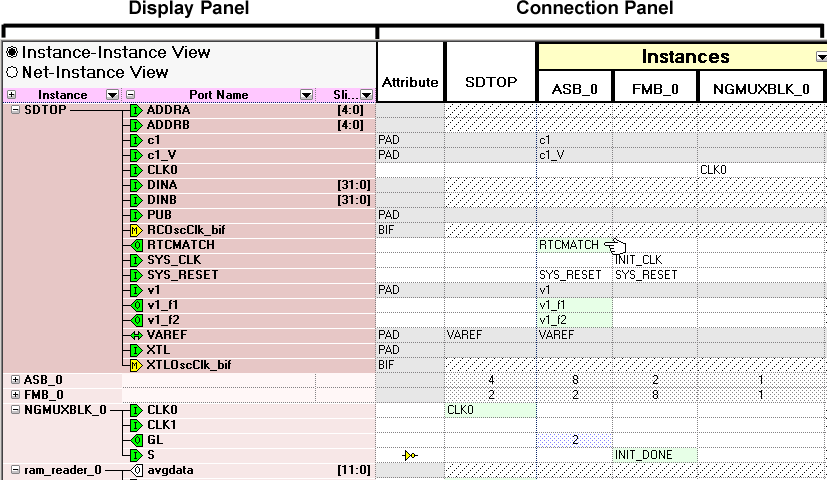
The Instance-Instance view (see figure below) is divided into two panels: the Display panel and the Connection panel. By default, the Display panel shows Instance, Port Name, and Slice information.
By default, the Connection panel begins at the Attribute column, and lists instances in the design and their ports. You can show/hide any column in either panel; if you modify the view and wish to reset it, right-click the Instance-Instance View radio button in the Display panel and choose Reset Instance View to Default.