
15.8.1 About Block Ports
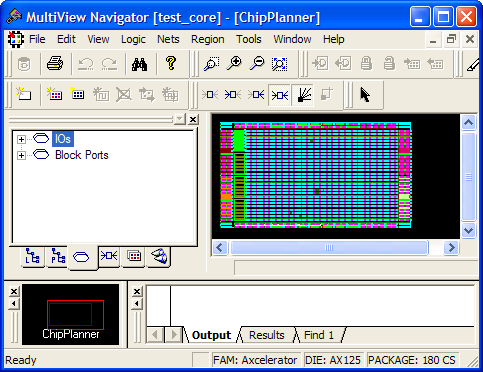
You can see Block ports in the Ports tab of the Hierarchy window. Unlike regular I/O ports, Block ports have a plus sign (+) in front of them to indicate that they can be expanded to show connected ports and instances (as shown below):
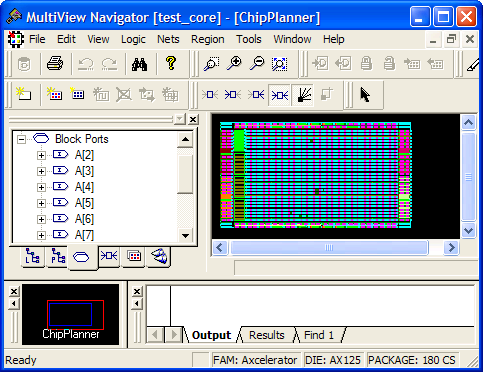
When you expand a Block port, you see the macros and blocks connected to the Block port under the expanded node:
Note: Block ports are not displayed in the I/O Attribute Editor but are visible in
NetlistViewer.
Block ports have features similar to other MVN objects, such as a tooltip, a context menu, and a properties dialog box. You cannot drag and drop block ports. The symbols used in the Ports tab for Block ports are the same for regular I/O ports. The symbol is dependent on the direction: Input, Output, or InOut.