
15.8.2 Selecting Connected Ports
When you right-click on a Block port in the Ports tab of the Hierarchy window, the right-click menu displays two commands: Select Connected Ports and Properties.
To select all ports connected to a macro:
- Select the macro.
- Right-click and choose Select Connected Ports from the right-click menu.
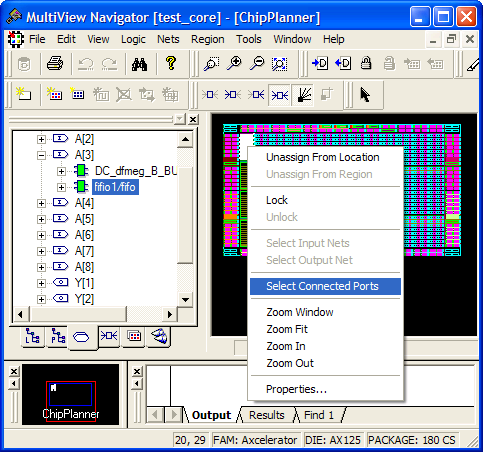
All ports to which the macro is connected will be selected.
Note: The Select Connected Ports command appears grayed if the macro you selected is not
connected to any ports.