13.3.8 Finding Files
Use the Find Window to search for files. Search options vary depending on your search type.
To find a file:
- Use CTRL + F to open the Find
Window toolbar.
Figure 13-4. Find Window (Search in Files) 
- Select your search type: Files, Modules in Project, Find Ports in SmartDesign, Find Nets in SmartDesign, Find Instances in SmartDesign, or Find Text in Text Editor.
- Enter the name or part of name of the object you wish to find.
- Set the Options for your search (see below for list); options vary depending on your search type.
- Click Find
(or Next if searching Text). The results
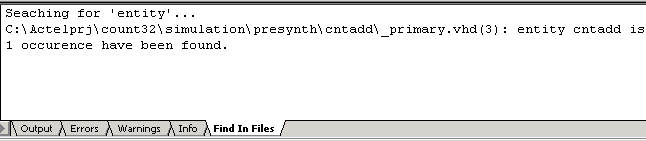
appear in the Find In Files tab in the Log window (as shown in the following
figure), on the Canvas if you search in SmartDesign, or in a new pane if you are
searching Modules. Click the file name in the Log window to open the file.
Figure 13-5. Find In Files Tab in Project Manager Log Window