9.9.2 Using Serialization
To use serialization:
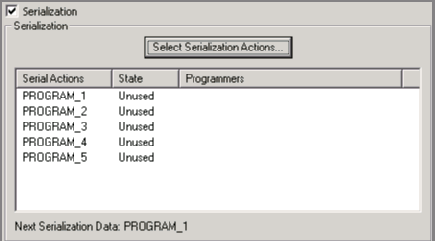
- Enable serialization by checking the Serialization checkbox.
- Select an action in the Action text box.
- Click the Select Serialization Indexes button. The Serial Settings dialog box displays (see figure below).
Note: Depending on the STAPL file format used, you will either see
Indexes columns or Actions columns in the
Serial Settings dialog box.
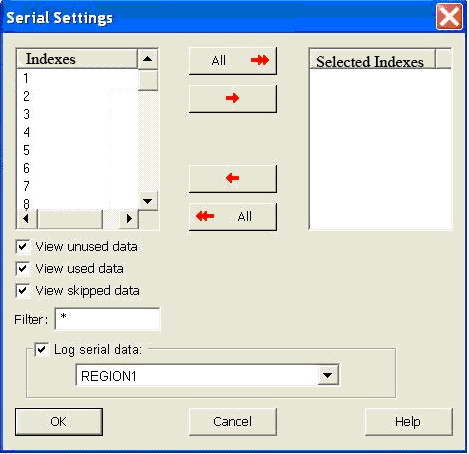
Note: Depending on your STAPL file, you would click the Select Serialization Action
button.