
9.3.1 Creating a New Project
With the FlashPro® software, you can choose either the Single STAPL file programming mode or the Chain programming mode. This selection is made in the New Project dialog box. Selecting the Chain programming mode enables programming of multiple devices connected in a chain. The Single STAPL file programming mode provides the same programming capabilities as FlashPro software v4.2.
To create a new project:
- Click the New Project button, or from the File menu, choose New Project.
- In the New Project dialog
box, enter a name for the project in the Project Name field.
Figure 9-12. New Project Dialog Box 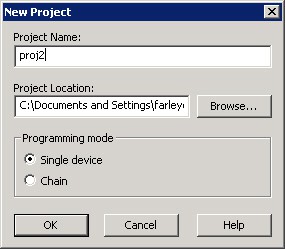
- If necessary, change the default project location in the Project Location field.
- Choose the Programming mode (Single device or Chain).
- Click OK.
Figure 9-13. FlashPro GUI 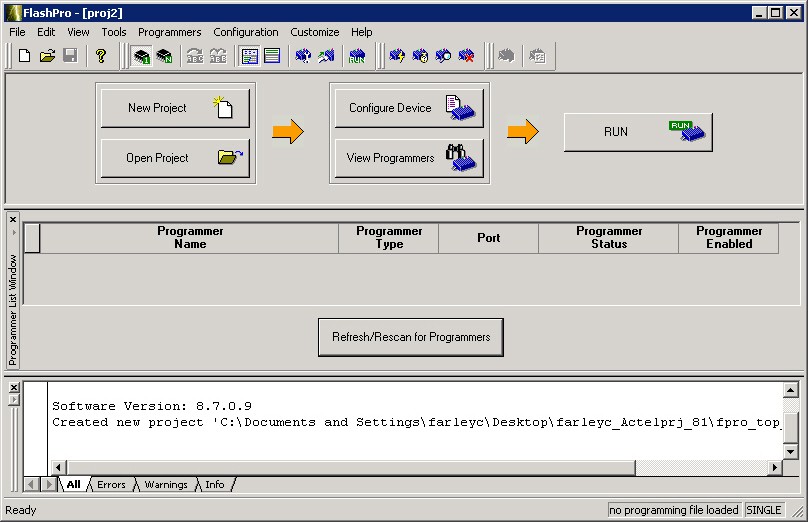
Note: You can switch between programming modes at any time by selecting and choosing either Single Device Programming or Chain Programming.