
4.3.1 Controlling Endpoint LEDs
(Ask a Question)Root Port can initiate the Endpoint LED glowing and walk through.
To issue LED Commands, perform the following steps:
- Click Demo Controls tab.
- Select any single LED. For example,
select LED3, as shown in the following figure.
Figure 4-5. Single LED Control 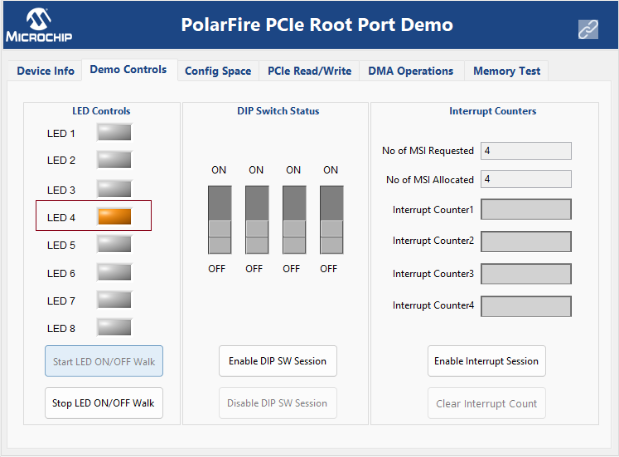
The GUI initiates the LED glow request to the RISC-V processor, which passes this request to the PF_PCIE_0 block. PF_PCIE_0 sends the BAR2 MWr packet to the Endpoint.
As a result, LED3 on the Endpoint board glows.
- Click Start LED ON/OFF
Walk button.
Figure 4-6. LED ON/OFF Walk 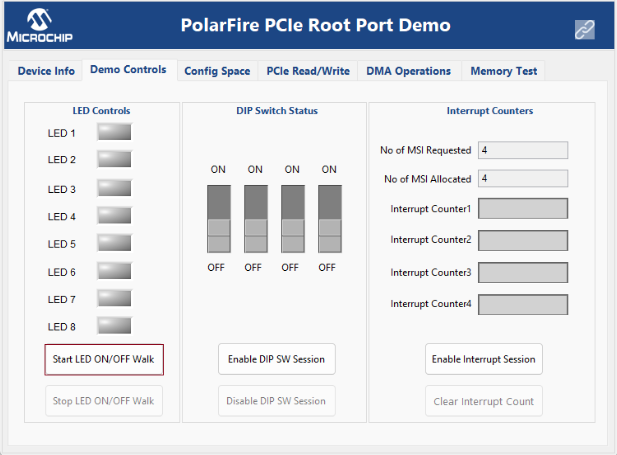
The GUI initiates the LED ON/OFF walk request. As a result, LED ON/OFF is executed from the first to the last LED and in the reverse order.