4.3.2 Reading Endpoint DIP SW Status
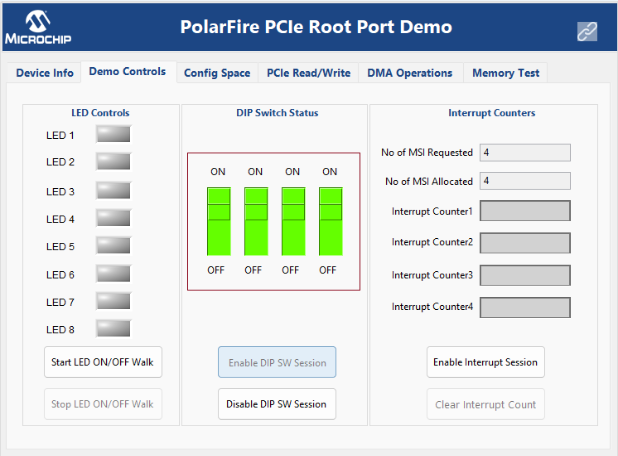
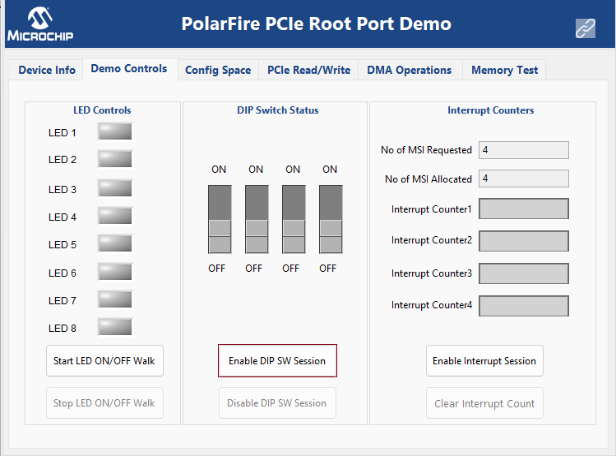
(Ask a Question)To read the DIP SW Status, click Enable DIP SW Session button, as shown in the following figure.
The GUI initiates the DIP switch status read request. As a result, the DIP SW status on the Endpoint board is displayed, as shown in the following figure. Change the DIP SW positions on the Endpoint board and observe the same in GUI.