2.7.10 Run PROGRAM_SPI_IMAGE Action
(Ask a Question)To program the SPI image:
- Double-click Run PROGRAM_SPI_IMAGE on the Design Flow tab. In the dialog box that appears, click Yes.
- When the SPI image is successfully programmed on to the device, a green tick mark appears next to Run PROGRAM_SPI_IMAGE.
After SPI flash programming is completed, the device needs to be reset to execute the application. The following sequence of operations occurs after device reset or power-cycling the board:
- The PolarFire System Controller initializes the TCM with the user application code from the external SPI flash and releases the system reset.
- The Mi-V processor exits reset after DDR3 controller is ready and executes the user
application from the TCM. As a result, LEDs 4, 5, 6, and 7 blink, and the string
Hello World! is printed on the serial terminal, as shown in
the following figure.
Figure 2-43. Hello World String 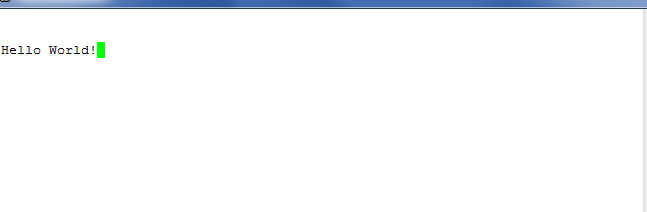
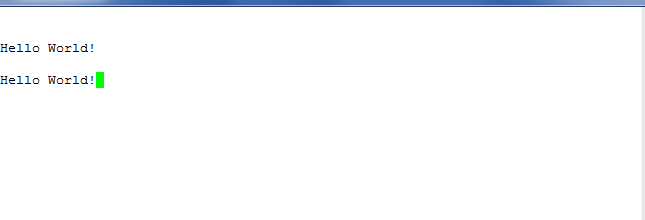
- When the board is power cycled, the device performs the same sequence of operations. As
a result, LEDs 4, 5, 6, and 7 blink, and Hello World! is printed
again on the serial terminal, as shown in the following figure.
Figure 2-44. Hello World String After the Board is Power Cycled