
15.11.6 Deleting Active Lists
Use the Delete command in the Active List menu to delete the selected active list.
- From either the Tools or View menu,
choose Active Lists > More Active Lists. The More Active Lists dialog box
appears.
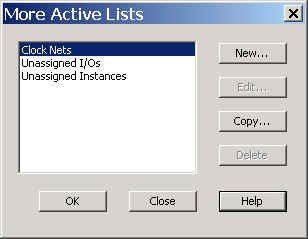
- In the More Active Lists dialog box,
select the active list to delete, and click Delete. You cannot delete a predefined
active list.
A verification message appears asking you to verify that you want to delete the active list.
- Click Yesto delete the active list.
- Click OK to close the More Active Lists dialog box.