
1.4 Application Layer Configuration
- Click the Application button
to choose the application layer configuration options.
This action also creates a hierarchy of groups as Root > TCP/IP STACK > APPLICATION LAYER.
The “Available Components” area lists different application protocols supported by the MPLAB Harmony TCP/IP stack.
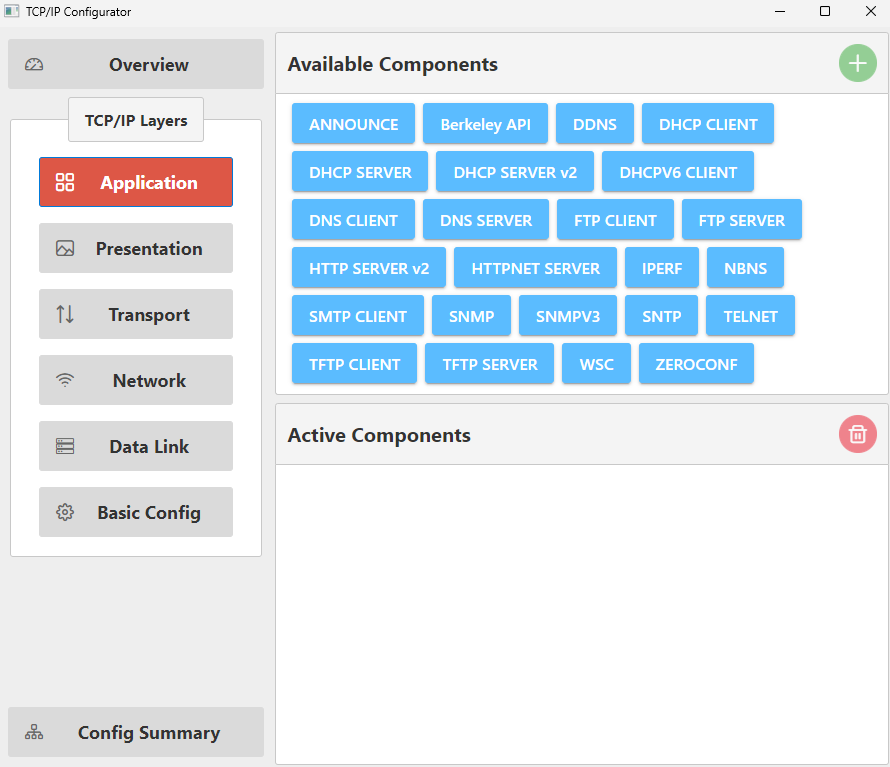
Begin selecting the required TCP/IP application layer protocols from the “Available Components” on the right-hand side.
- Drag and drop “DNS CLIENT” into the
“Active Components” area. The following steps automatically activate all dependent
components.
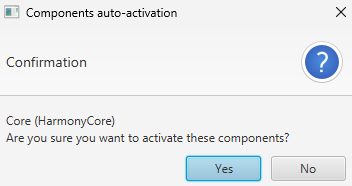
- Click Yes to add the
“Harmony Core” component.
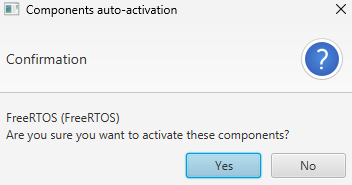
- If you have a bare-metal project, click No for the “FreeRTOS” component.
- If you have a FreeRTOS
project, click Yes for the “FreeRTOS” component and add the necessary
FreeRTOS settings (see FreeRTOS
Configuration).
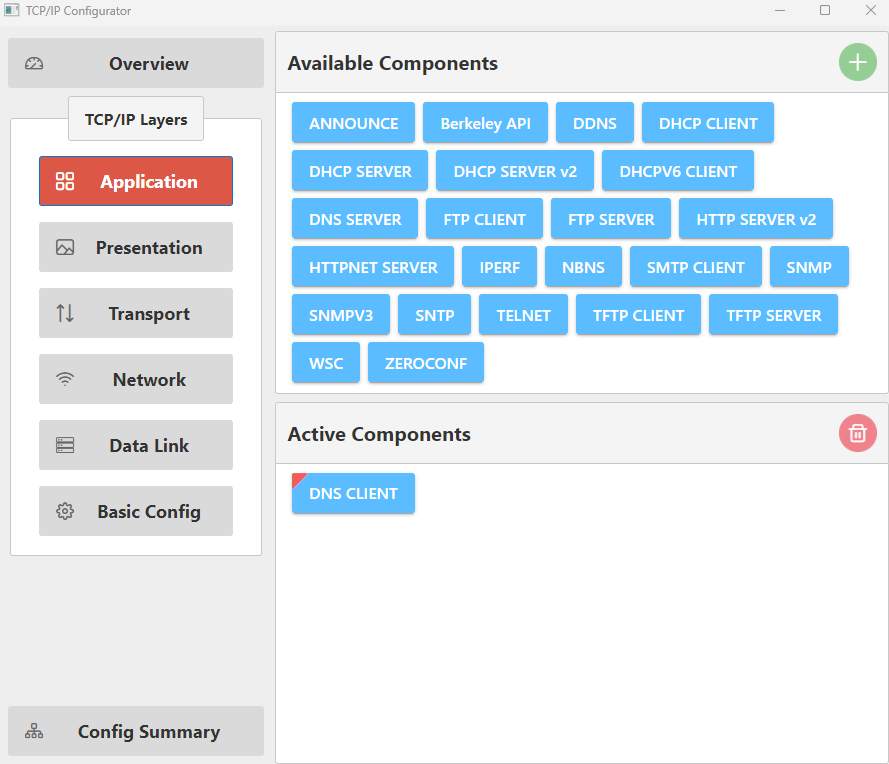
After the automatic activation of dependent components, the “DNS CLIENT” component is added to the “Active Components” area and the “Project Graph”.
- Click Yes to add the
“Harmony Core” component.
- Drag and drop “IPERF” into the
“Active Components” area.
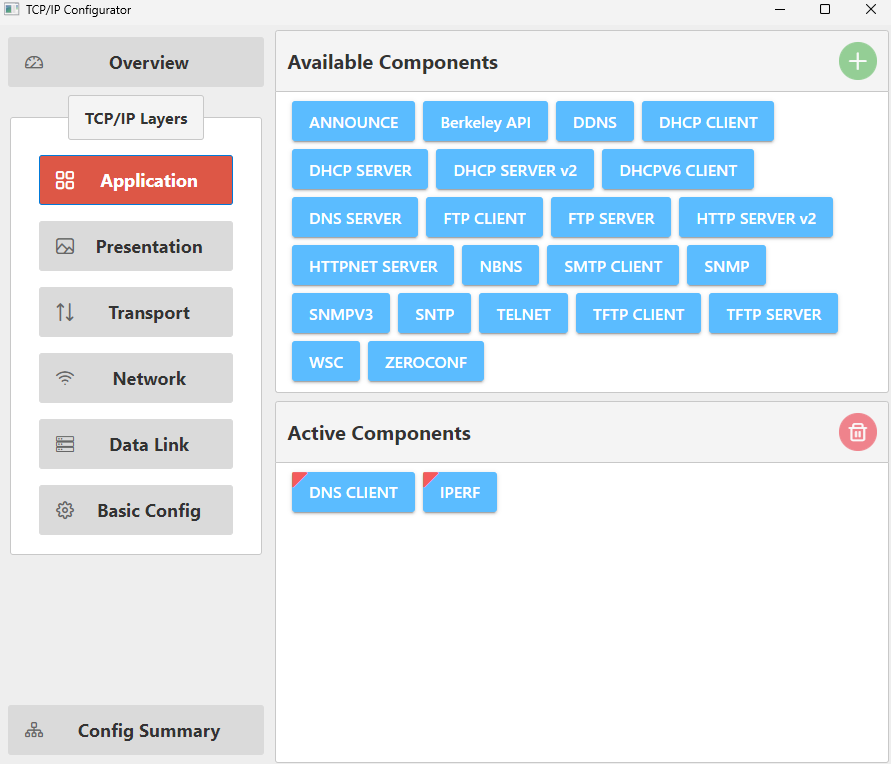
This adds the “IPERF” component to the “Active Components” and the “Project Graph”.