
1.16 Build the Application
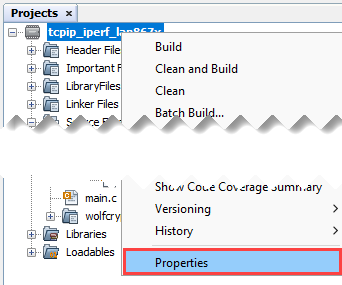
- Open the project “Properties” by
right clicking on the project name “tcpip_iperf_lan867x”.
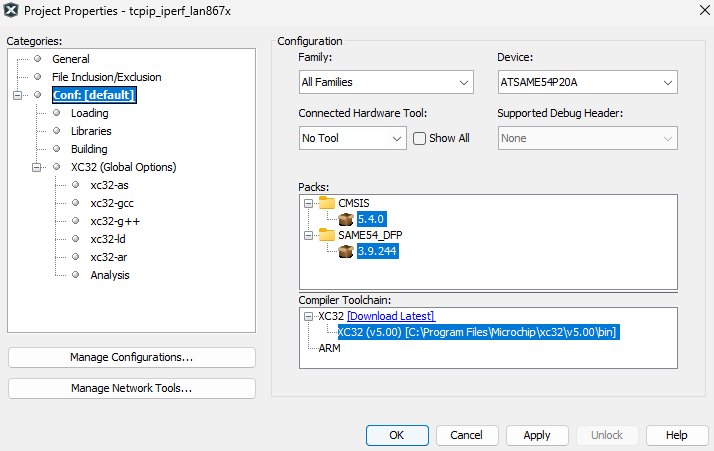
- Make sure the “XC32” compiler tool
chain is selected.Note: Version numbers may differ. Therefore, always use the latest versions.
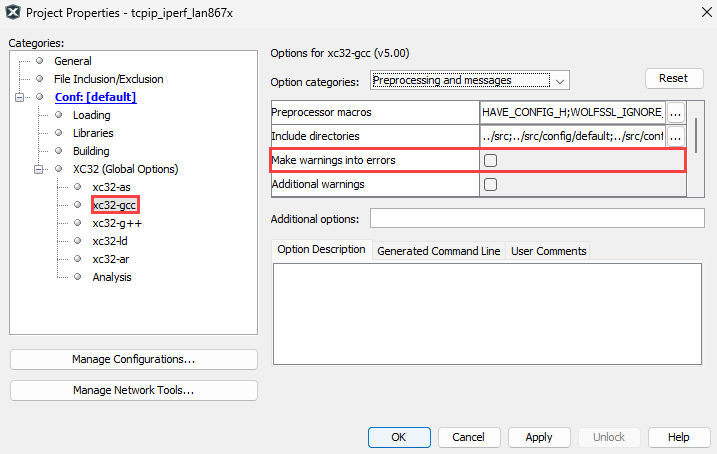
- Ensure “Make warnings into errors” is
not checked.
- In the “Project Properties” window select “xc32-gcc”.
- From the “Option categories”
drop down list select “Preprocessing and messages”.
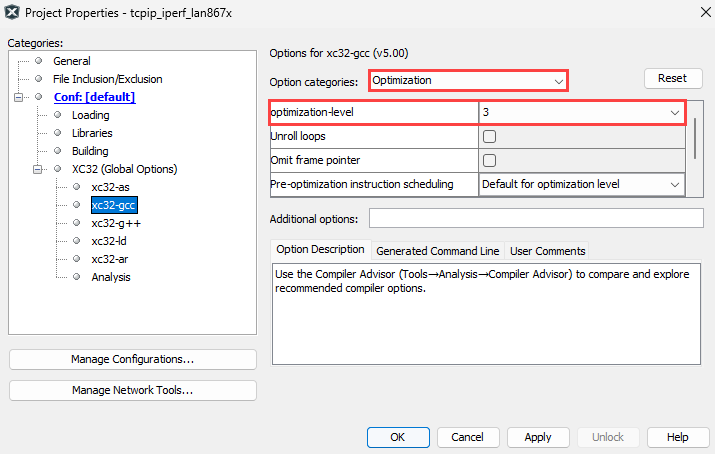
- From the “Option categories” drop
down list, select “Optimization”.: It is recommended to use optimization level “3”.
Level “2” and “3” usage require a paid compiler license that needs to be acquired. If you use a free of charge version compiler, select optimization level “1”.
- Click OK.
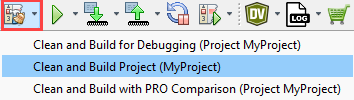
- Build the application by clicking on
“Clean and Build Main Project”.
- Verify the build results. Make sure
the build was successful.
