
1.5 Transport Layer Configuration
- Click the Transport button to
choose the transport layer configuration options.
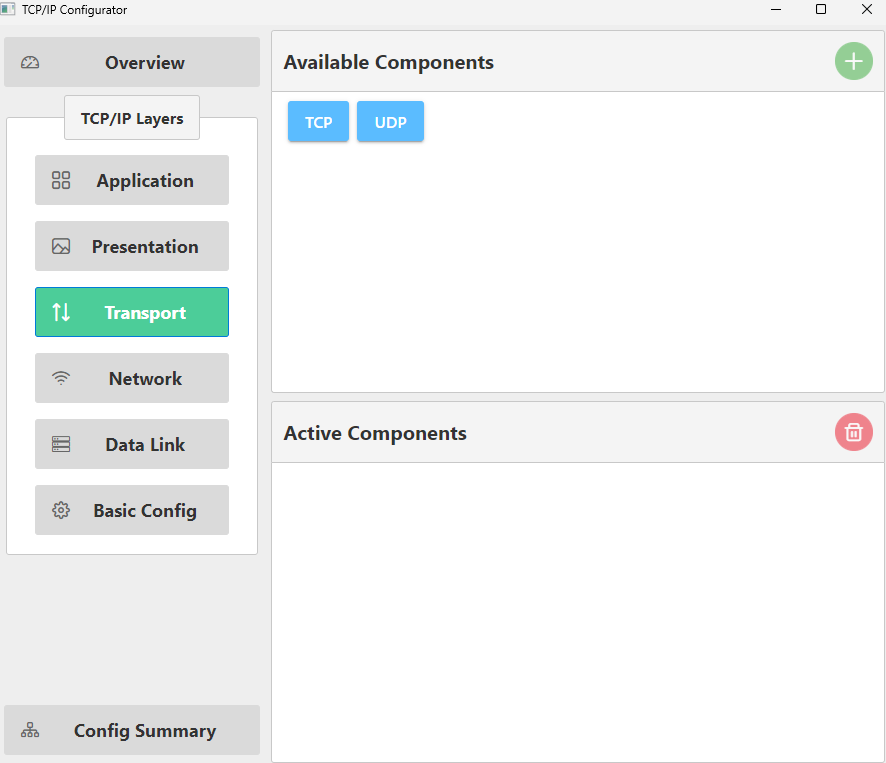
- Drag and drop “TCP” into the “Active
Components” area. This action automatically activates all dependent components.
- Click Yes to add the
“lib_crypto” component.
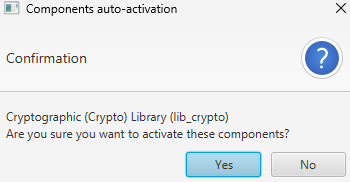
- Click Yes to add the
“lib_wolfcrypt” component.
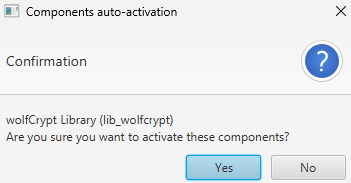
- Click Yes to add the
“lib_crypto” component.
- Drag and drop “UDP” into the “Active
Components” area.
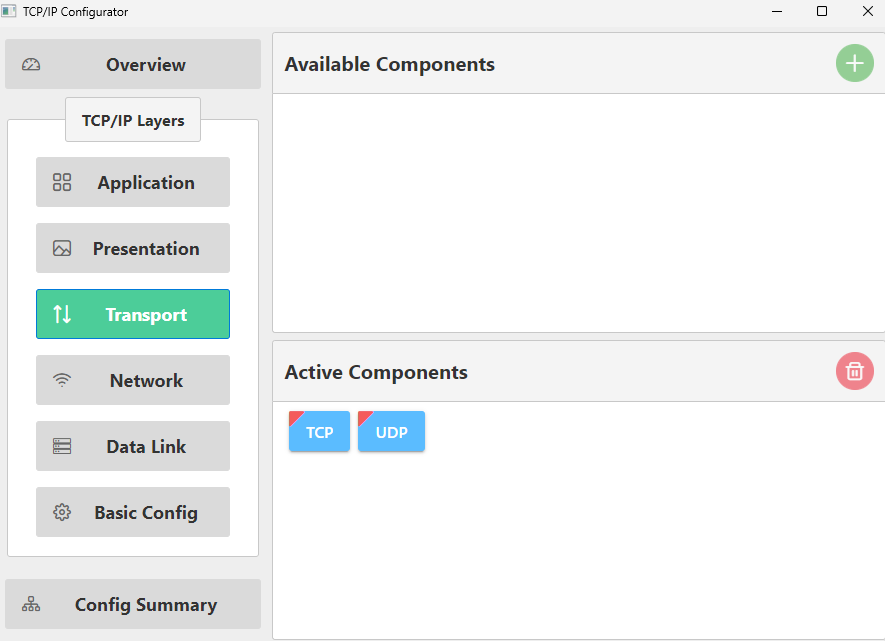
This action adds the “UDP” component to both the “Active Components” and the “Project Graph”.