
1.3 Add TCP/IP Components
In this section, we will configure the components based on the application's needs.
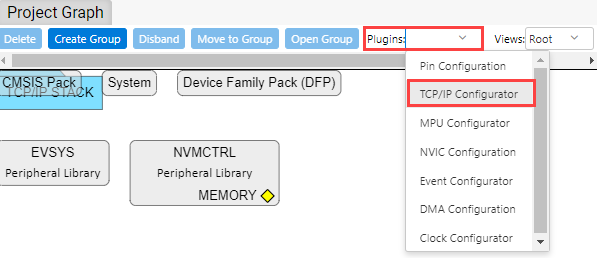
You can add the TCP/IP components using the "TCP/IP Configurator" plugin.
- In the Project Graph, select "TCP/IP
Configurator" from the "Plugins" drop-down menu.
This action opens the "TCP/IP Configurator" window. The "Overview" section displays the available TCP/IP layers.
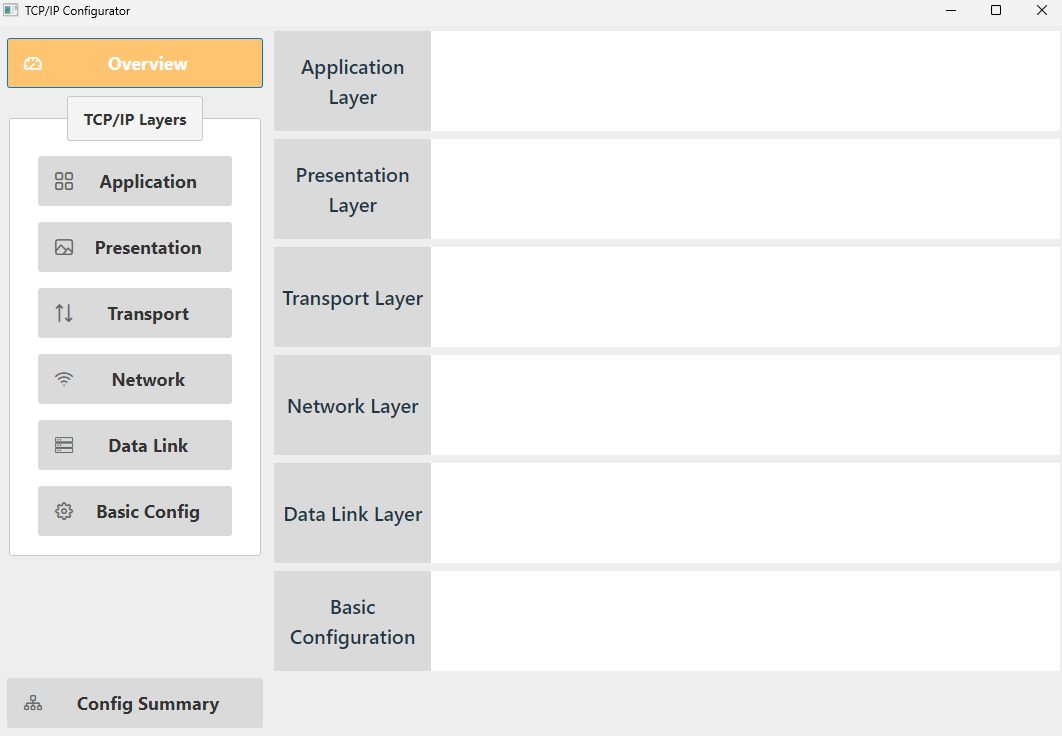
The TCP/IP layers required for our example project configuration are as follows: