
13.15.9 Replace Version for Instance
You can use the Replace Version for Instance dialog box (shown in the figure below) to restore or update version instances on your canvas without creating a new instance and losing your connections.
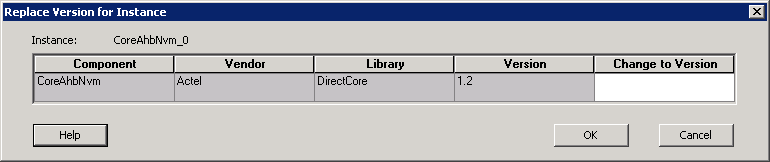
To change the version of an instance:
- From the right-click menu choose Replace Instance Version. The Replace Version for Instance dialog box appears.
- Choose a new version from the Change to Version drop-down menu. Click OK.