
5.14.1 Creating a New SmartDesign Component
- From the File menu, choose New or press the SmartDesign button in the Project Manager Project Flow window. The New dialog box opens (see the figure below - file types vary depending on your project settings).
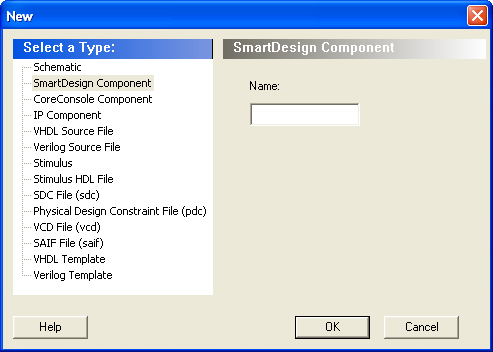
- Select SmartDesign Component, enter a component name and click OK. The component appears in the Hierarchy tab of the Design Explorer. Also, the main window displays the design Canvas.
The component name must be unique in your project.