
9.6.10.3 Select Target Device
The Select Target Device dialog box is located in the Configuration menu.
The Select Target Device dialog box enables you to select the target device you want to program. If you are only programming one device in a chain, there is no need for you to make a selection. The Select Target Device dialog box automatically displays your device (see figure below).
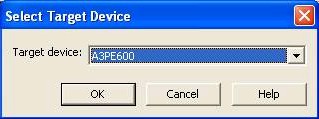
Figure 100 · Select Target Device (One Device in a Chain)
If you are programming more than one Flash device in a chain, you need to select the target device you want to program. If you attempt to program your device without selecting a target device, a warning message appears.
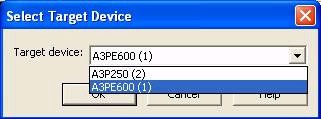 If the warning message appears, click OK and the Select Target Device dialog box appears. From the Select Target Device dialog box, select the device you want to program (see figure below).
Figure 101 · Select Target Device (Multiple Devices in a Chain)
Click the down arrow to display the list of devices in your chain. Then, make your selection and click OK.
Note: When the FlashPro software does not detect your chain configuration, you must specify the Pre/Post IR fields by entering these values in the Set Pre/Post IR Values dialog box (see figure below).
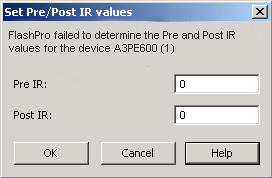
Figure 102 · Pre IR and Post IR Values for the Target Device
For more information, see Single STAPL file programming information.