
9.6.10.5 Serial Settings
Click the Select Serialization Indexes/Select Serialization Actions button from the Single Device Configuration window. The Serial Settings dialog box appears.
Note: Depending on the STAPL file format used, you will either see Indexes columns or Actions
columns in the Serial Settings dialog box.
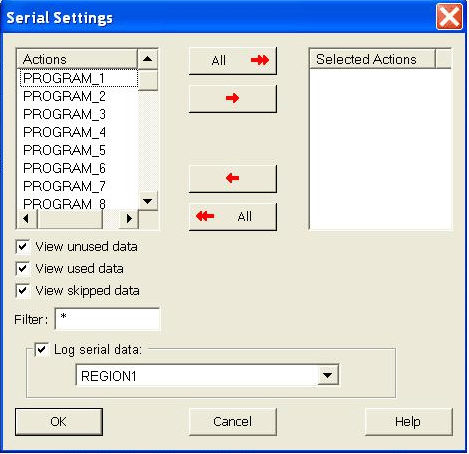
Click the red arrow buttons in the center of the dialog box to move from the Actions column to the Selected Actions column. The indexes/actions available for selection are located on the left and the indexes/actions you choose to select are located on the right column. Viewing options are available in the checkboxes under the column. If you check Log serial data, you can select the FlashROM region name where the serial data will be stored.