
13.5.2 Project Settings: Device
Use the Device tab in the Project Settings dialog box to change the die and package for your project.
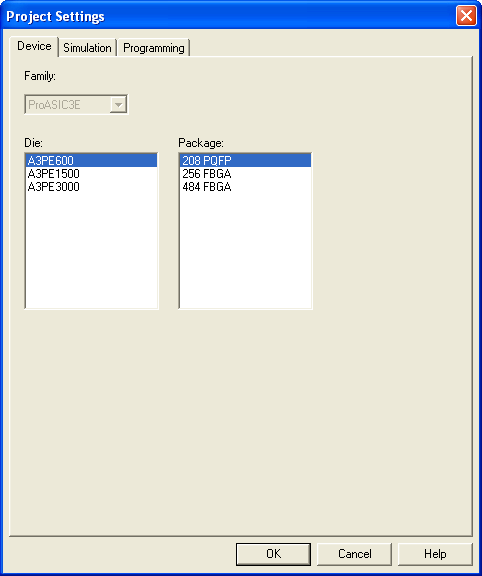
You can use the Family Combo check box to change your family from ProASIC3 to ProASIC3E. No other family changes are enabled.
To change the die and/or package:
- From the Project menu, choose Settings. The Project Settings dialog box appears.
- Select a die and package from each list and click OK.