
15.11.3.1 Creating an Active List of Macros
You can create an active list containing macros (instances) filtered by name, cell type, and placement and lock status. Cell Type refers to the macro type. For example, you can include all macros of type AND by typing *AND* in the Cell Type field. Likewise, you can enter *OR2A* to list all the ORs used in the design. Usually cell types are prefixed with "ADLIB." When filtering on instances, Name or Cell Type can be blank, but not both.
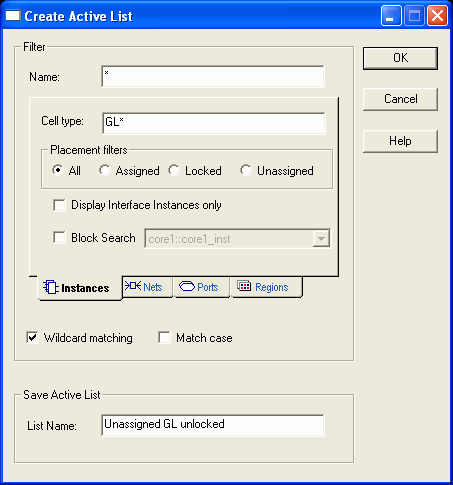
For example, to create a list of unassigned, unlocked, global input buffers (GL*), enter the properties shown in the following filter:
To find only macros connected to ports, select the Display Interface Instances only check box.
To find only instances in a specific user block or in all user blocks, select Block search, and then select the block from the drop-down list.