15.11.1.1 Using the Right-click Menu in an Active List Window with No Item Selected
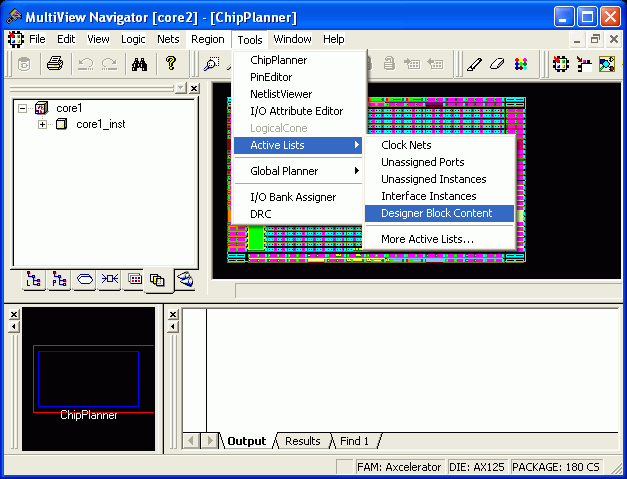
You can use the right-click menu within an active list window to switch between active lists, display the More Active Lists dialog box, edit user-defined active lists, and enable or disable the Pan to Selection option.
With the Pan to Selection option enabled in an active list window, when you select an object in ChipPlanner or PinEditor, then it becomes visible in the active list window too. Of course, if the selected object does not exist in an active list, you will not see it selected in any active list window.