
15.13.8 Block Tab
The Block tab shows the blocks in your design. This tab appears only when your design contains blocks.
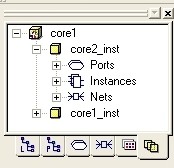
Instances and nets that are locked (fixed) in the block appear highlighted in yellow. You cannot change the placement or routing constraints in a locked block.
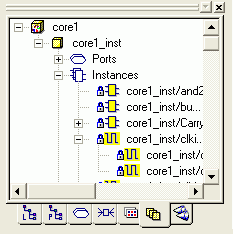
In the Block tab, you can right-click a block and select Properties to display its properties.