
5.32.5.1 SVF Serialization Support in IHP
In addition to FPGA Array, FlashROM, and security setting, FlashPoint supports generating SVF files with serialization support in IHP.
To generate SVF with serialization support:
- Select the Silicon feature(s) you want to program.
- Import the UFC file which contains serialization data to FlashROM. Click Next.
- Type in the number of devices to program (as shown in the figure below).
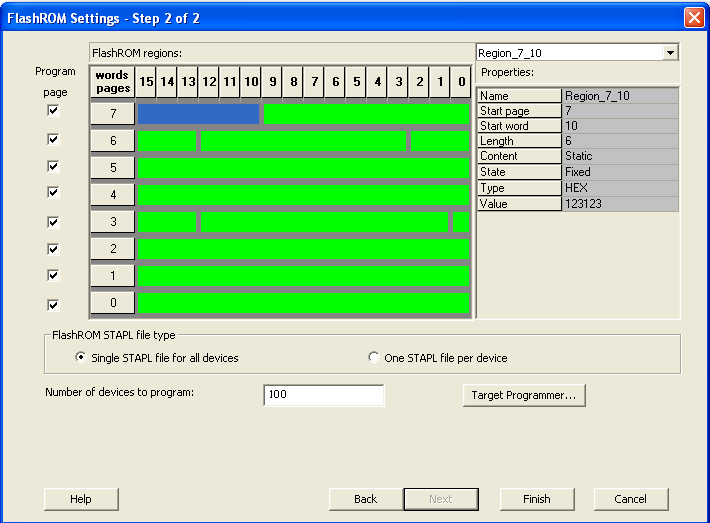
- Click Target Programmer and select Actel IHP.
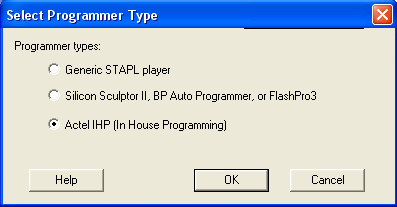
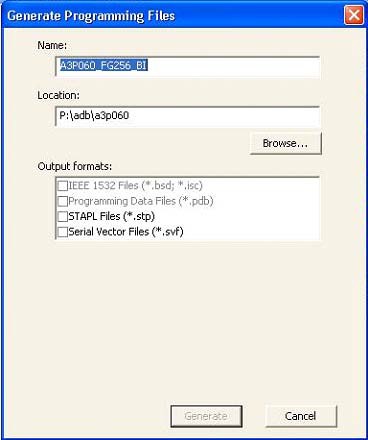
Click OK. The Generate Programming Files window appears (as shown in the figure below). Select Serial Vector Files (*.svf).
Select Serial Vector Files.
- Click Generate. A Microchip-specific SVF file will be generated with a corresponding serialization data file. Generated SVF files will only work with IHP.