
5.30.28.5 Frequency Summary
From this panel you can include the frequency summary in the report and set specific options.
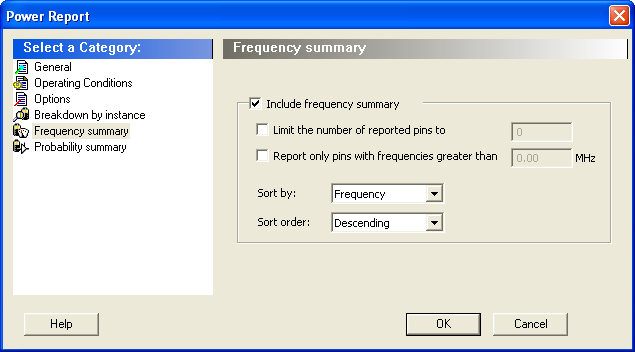
Include frequency summary – This section shows the frequency summary and reports the pin, net, domain, frequency, and frequency source for each pin.
The frequency summary can be filtered by:
- Limit the number of reported pins to: will limit the number of pins reported to the specified number.
- Report only pins with frequencies greater than: any pin with a frequency below the selected value will not be reported.
This section can be sorted by selecting the preferred method:
- Sort by: Pin Name, Net Name, Domain, Frequency, or Source
- Sort Order: Ascending or Descending