
16.7 Using NetlistViewer (non-MVN) with ChipEditor
If both NetlistViewer and ChipEditor are open, selecting items in either tool automatically selects them in the other.
To use NetlistViewer with ChipEditor, perform the following steps:
- Click NetlistViewer in Designer’s Design Flow window. NetlistViewer starts and displays the netlist.
- Start ChipEditor. ChipEditor opens in a
separate window and displays the logic and I/O modules on the device. The following figure
shows the ChipEditor window.
Figure 16-11. ChipEditor Window 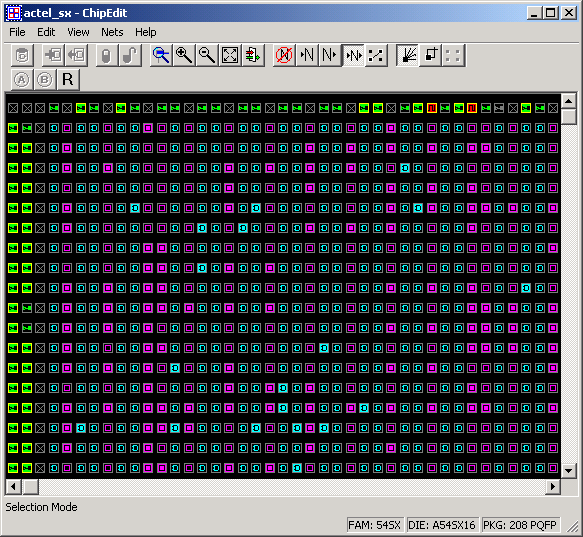
- Selecting a macro or instance in
ChipEditor automatically selects it in NetlistViewer too. Likewise, selecting a macro or
instance in NetlistViewer also selects it in ChipEditor.
Figure 16-12. Item Selected in NetlistViewer 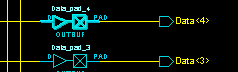
Figure 16-13. NetlistViewer Selected Item in ChipEditor 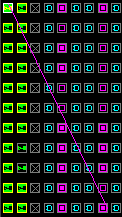
For more information about ChipEditor, see the ChipEditor online help or ChipEditor User Guide.