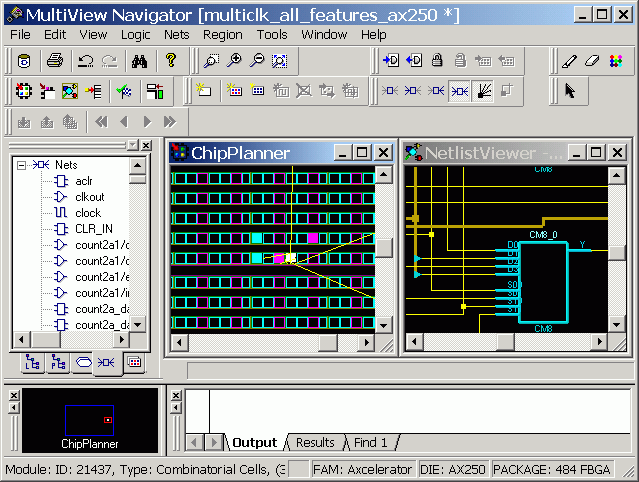
15.3.22 Cross-probing Between NetlistViewer and ChipPlanner
If both NetlistViewer and ChipPlanner are open, items selected in either tool are selected and highlighted in the other. ChipPlanner is Microchip's floorplanning tool, which you use to create and edit regions on your chip and assign logic to those regions.
To use NetlistViewer with ChipPlanner:
- Click NetlistViewer in the Designer Design Flow window. NetlistViewer starts and displays your netlist.
- From the Tools menu, choose
ChipPlanner. ChipPlanner opens in a separate window in the MultiView
Navigator and displays the logic and I/O modules on the device as shown below.
Figure 15-29. ChipPlanner window 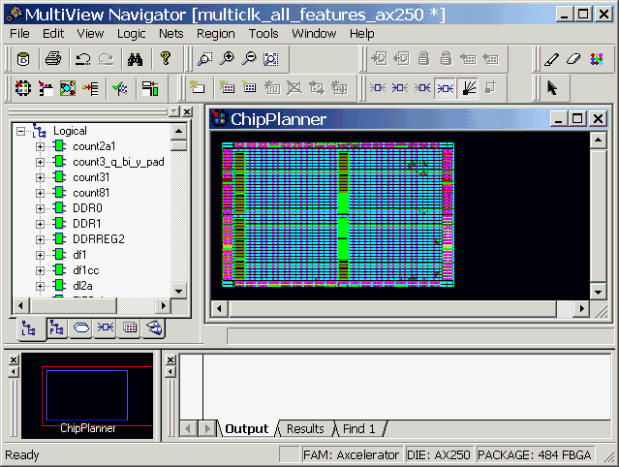
- Select a macro or instance in either
ChipPlanner or NetlistViewer. The selected item appears selected in both tools. The
following example shows the selected item highlighted in both NetlistViewer and
ChipPlanner.
Figure 15-30. Item Selected in NetlistViewer and ChipPlanner