
9.4.9.2 Recovering Default Fusion Calibration Data
- Load the PDB/STAPL file created in Designer v8.4 or above.
- In the FlashPro®
Configuration window, click Advanced and select RECOVER_CALIB.
Figure 9-55. ECOVER_CALIB 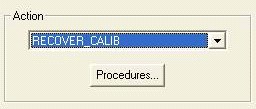
- Click Run to restore
the original Fusion calibration data. The Log window shows the data
is restored.
Figure 9-56. Restoring Original Calibration Data 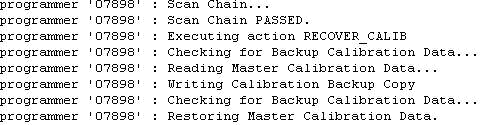
Note: The Calibration data can only be restored after a backup has been made.