
13.29.28.6 Probability Summary
From this panel you can include the probability summary in the report and set specific options.
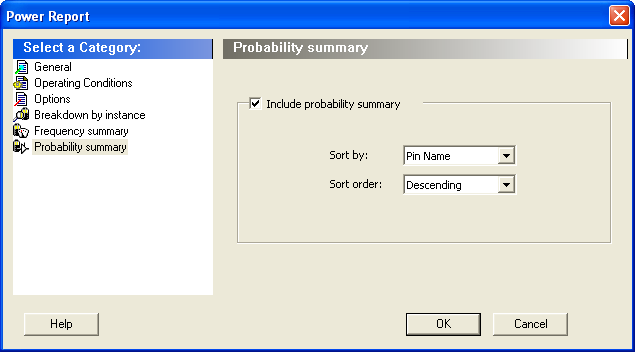
Include probability summary – This section shows the probability summary and reports the driver, net, rate, source, and type for each pin.
This section can be sorted by selecting the preferred method:
- Sort by: Pin Name, Net Name, Rate, Source, or Type
- Sort Order: Ascending or Descending
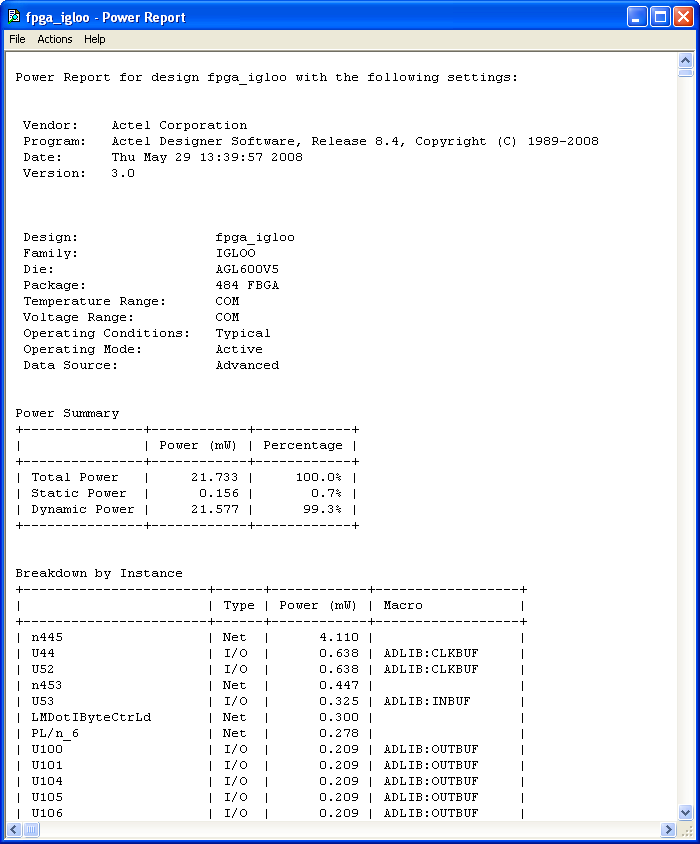
In addition to the information selected on the Power Reports dialog box, the report contains global design information.
Global design information: This section shows the target family, the package and the die. It also shows information about the operating conditions, speed grade, and power mode. This option is set by default.