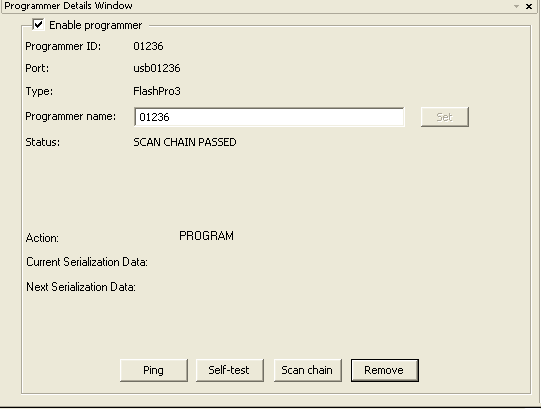
The Programmer Details window displays your programmer ID, port, type,
name, and programming status. Use this window to check the status and access common commands
(ping, self-test, scan chain) and to enable/disable or remove the programmer from the chain.Figure 9-166. Programmer Details Window
You can access this window from the View menu or you can double click any of the fields in the Programmer List