
9.22.16 FlashPro® Programmer List Window
To activate the Programmer List window, select . The FlashPro® Programmer List Window consists of a spreadsheet with the programmer name, programmer type, port number, programmer status, programmer enable check box, and a Refresh/Rescan for New Programmers button as shown in the following figure.
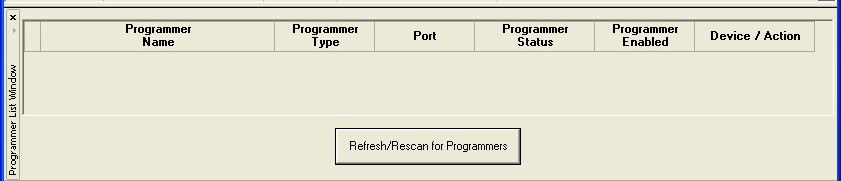
Note: Double-clicking any of the spreadsheet columns opens the Programmer Details window.