10.4.11.1 RAM Content Manager Functionality
Using the RAM Content Manager is only possible if the device family supports the RAM Content Manager features (IGLOO®, ProASIC® 3, SmartFusion®, Fusion, and Axcelerator®).
To open the RAM Content Manager:
- From the Options menu, choose Workspace Settings and set your device family to Fusion, ProASIC3, ProASIC3E or Axcelerator. Click OK.
- Click RAM in the Core Catalog to display the list of RAM types available for your device.
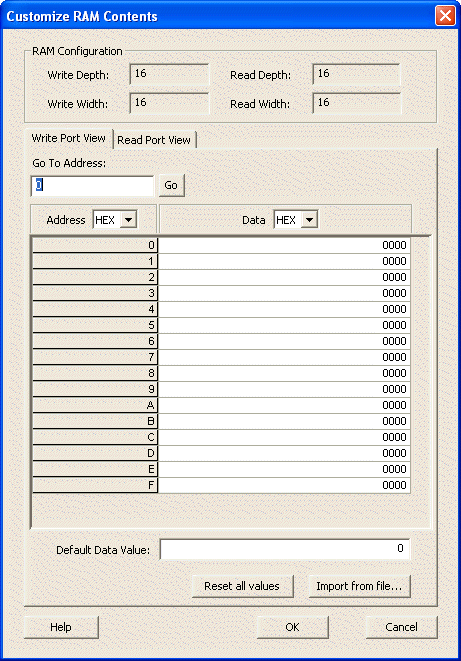
- Double-click Synchronous RAM, Dual Port RAM or any of the RAM cores for the families listed previously to create a new RAM block. Specify your RAM settings (set your Read and Write Depth and Width), select the Initialize RAM checkbox, and then click Customize RAM Content. The RAM Content Manager appears, as shown in the following figure.