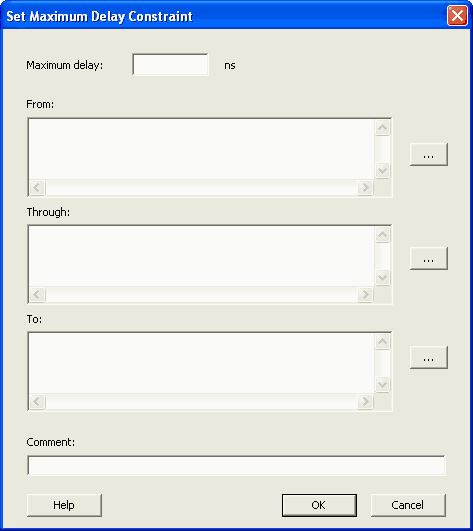
21.12.17 Set Maximum Delay Constraint Dialog Box
Use this dialog box to specify the required maximum delay for timing paths in the current design.
SmartTime automatically derives the individual maximum delay targets from clock waveforms and port input or output delays. So the maximum delay constraint is a timing exception. This constraint overrides the default single cycle timing relationship for one or more timing paths. This constraint also overrides a multiple cycle path constraint.
To open the Set Maximum Delay Constraint dialog box (shown below) from the SmartTime Constraints Editor, choose .