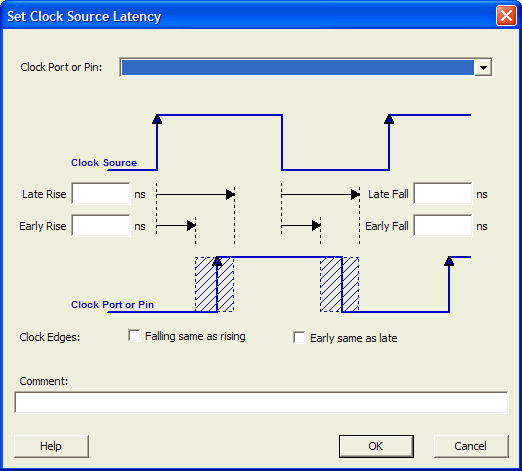
21.12.13 Set Clock Source Latency Dialog Box
Use this dialog box to define the delay between an external clock source and the definition pin of a clock within SmartTime.
To open the Set Clock Source Latency dialog box (shown below) from the Timing Analysis View, you must first create a clock constraint. From the Actions menu, choose .