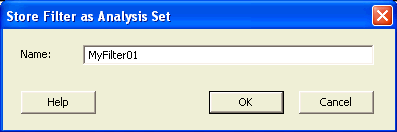
21.12.22 Store Filter as Analysis Set Dialog Box
Use this dialog box to specify a filter.
To open the Store Filter as Analysis Set dialog box (shown below) from the SmartTime Timing Analyzer, select a path and click the Store Filter button in the Analysis View Filter.