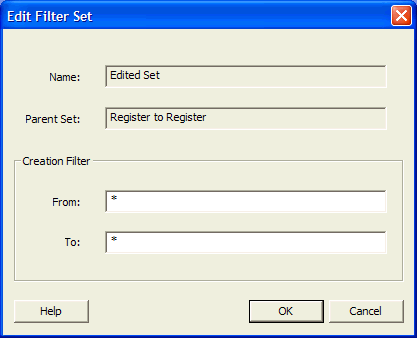
21.12.3 Edit Filter Set Dialog Box
Use this dialog box to specify a filter.
To open the Edit Filter Set dialog box (shown below) from the SmartTime Timing Analyzer, select an existing filter set in the clock domain browser, and then choose Edit Set from the shortcut menu.