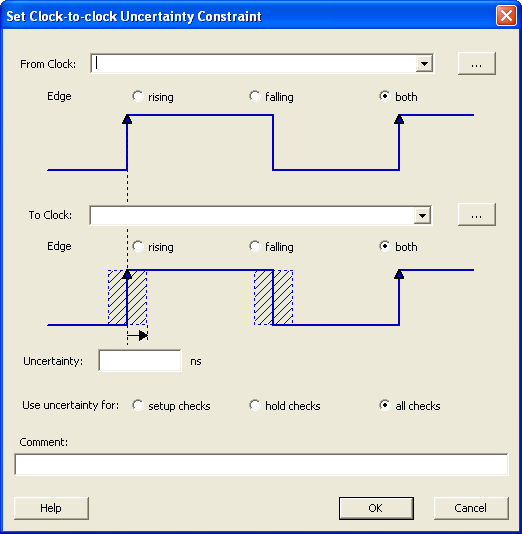
21.12.15 Set Clock-to-Clock Uncertainty Constraint Dialog Box
Use this dialog box to model tracking jitter between two clocks in the design.
To open the Set Clock-to-Clock Uncertainty Constraint dialog box (shown below), from the Actions menu, choose .