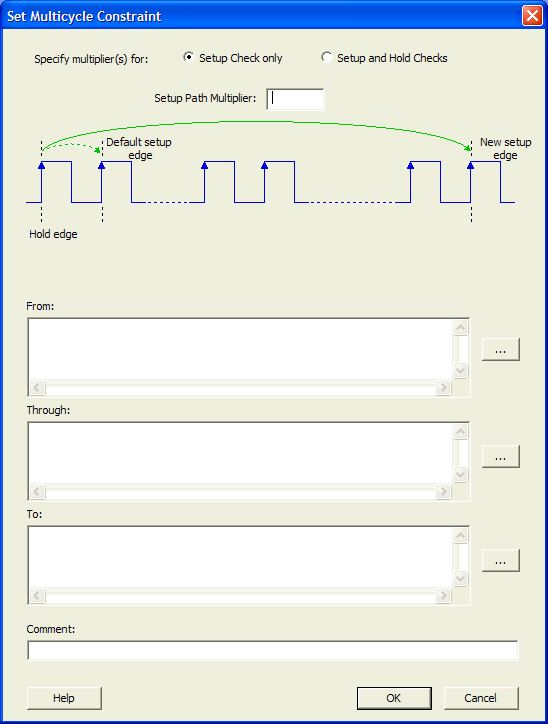
21.12.19 Set Multicycle Constraint Dialog Box
Use this dialog box to specify the paths that take multiple clock cycles in the current design.
Setting the multiple-cycle paths constraint overrides the single-cycle timing relationships between sequential elements by specifying the number of cycles that the data path must have for setup or hold checks.
Note: The false path information always takes precedence over
multiple cycle path information. A specific maximum delay constraint overrides a
general multiple cycle path constraint.
To open the Set Multicycle Constraint dialog box (shown below) from the SmartTime Constraints Editor, choose .