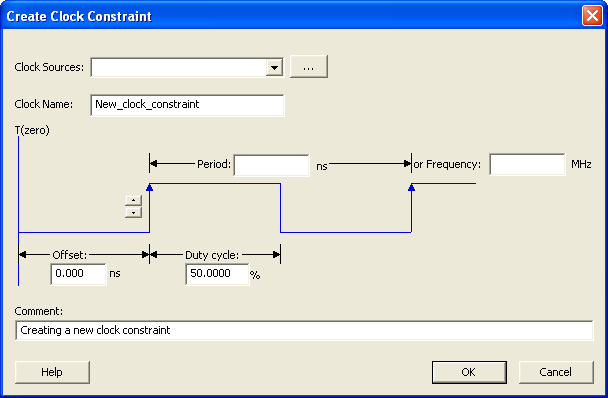
21.12.5 Create Clock Constraint Dialog Box
Use this dialog box to enter a clock constraint setting.
It displays a typical clock waveform with its associated clock information. You can enter or modify this information, and save the final settings as long as the constraint information is consistent and defines the clock waveform completely. The tool displays errors and warnings if information is missing or incorrect.
To open the Create Clock Constraint dialog box (shown below) from the Actions menu, choose .