
21.6.5 Analyzing the Maximum Operating Frequency
The Maximum Delay Analysis View indicates the maximum operating frequency for a design and displays any setup violations.
To perform the Maximum Delay Analysis, click the Timing Analyzer icon
 in the Designer interface to open the
SmartTime Timing Analyzer. The Maximum Delay Analysis View
appears. A green flag next to the name of the clock indicates there are no timing
violations for that clock domain (as shown below).
in the Designer interface to open the
SmartTime Timing Analyzer. The Maximum Delay Analysis View
appears. A green flag next to the name of the clock indicates there are no timing
violations for that clock domain (as shown below).
The SmartTime Maximum Delay Analysis View displays the maximum operating frequency for a design and any setup violations.
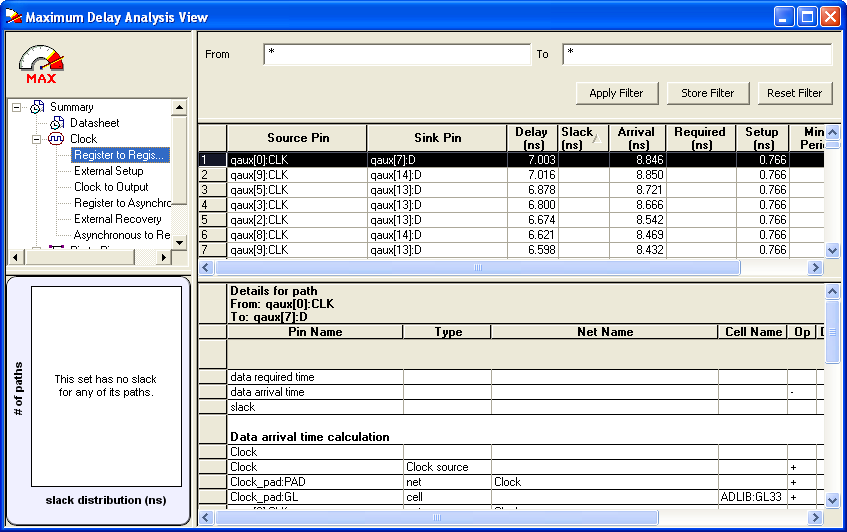
The Summary in the Maximum Delay Analysis View displays the maximum operating frequency for the design, the required frequency if any, the external setup and hold requirements, and the maximum and minimum clock-to-out times. In this example, the maximum clock frequency for CLK is 143.988 MHz.
You can now View Register-to-Register paths as part of the Maximum Delay Analysis.