
20.2.12 Operating Conditions
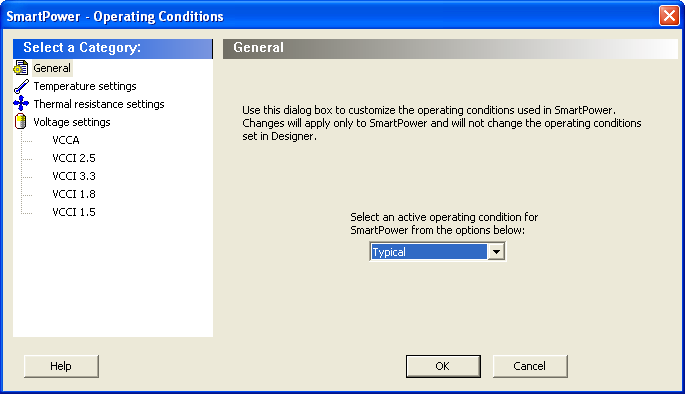
The SmartPower Operating Conditions dialog box enables you to customize the operating conditions used in SmartPower for voltage and temperature.
Changes will apply only to SmartPower and will not change the operating conditions set in Designer.
You can customize temperature settings in the Temperature Settings panel, and the voltage settings in the Voltage Settings panels — each VCC voltage used in the design appears under Voltage settings.
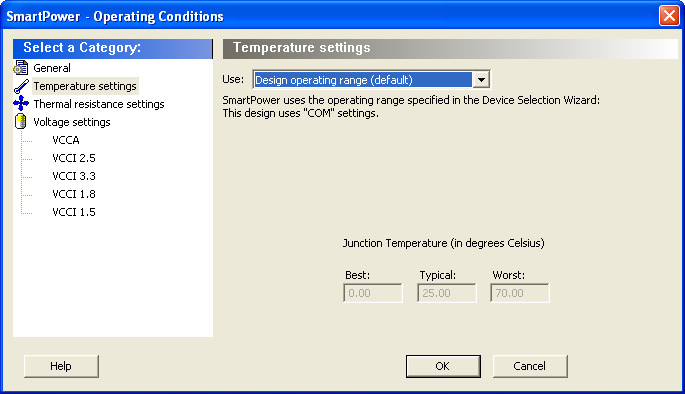
Select one of three options to specify the temperature or voltage settings:
- Design operating range (default): sets the temperature or voltage operating range as specified in the Device Selection Wizard in Designer.
- Custom operating range: sets the temperature (junction or ambient) or voltage operating range for the current design in SmartPower only. You can enter temperature values in degrees Celsius and voltage values in volts for Best, Typical, and Worst.
- Mode by mode operating range: sets the temperature (junction or ambient) or voltage for each mode in SmartPower only. You can use the grid to enter temperature values in degrees Celsius and voltage values in volts for each mode, or select multiple modes in the grid, and click the Set values for selected modes button to enter the same values for all selected modes.
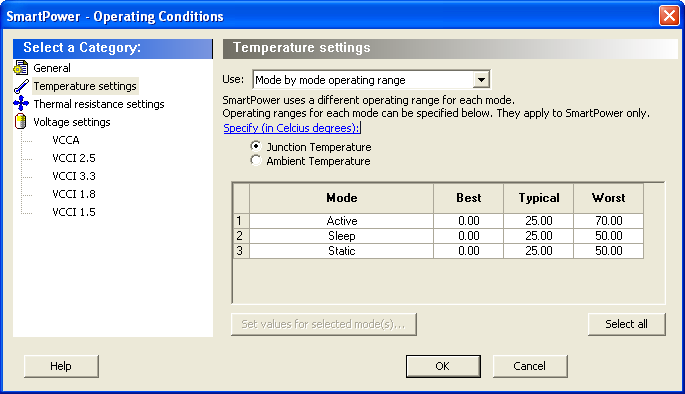


If the computed junction temperature is outside the operating condition range (smaller than the best case value or greater than the worst case value), a violation warning will be reported.
Both TJ and Pstatic will be re-computed when any of the following parameters are changed:
- Ambient temperature
- Cooling style
- Custom thermal resistance,
or any parameters/options that affect the static or dynamic power values:
- Junction Temperature Display Mode
- Operating Condition (Affect dynamic power)
- Operating Mode (Affect dynamic power)
- Any of the clock domain frequencies (Affect dynamic power)
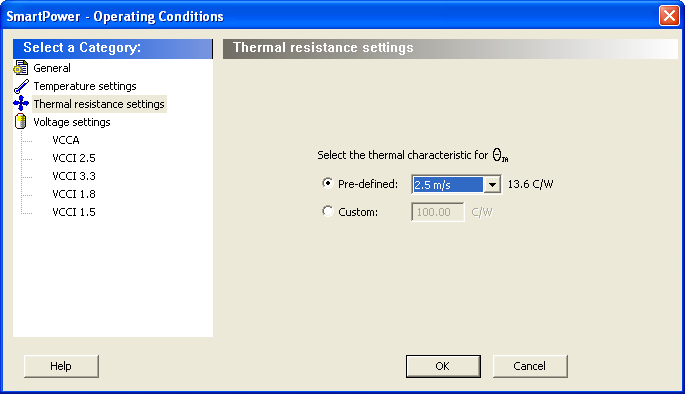
The thermal resistance is predefined for Still Air, 300 ft/min and Case Cooling. To enter a custom thermal resistance, select Custom from the Cooling field, and change the value.
SmartPower also reports the thermal resistance, ThetaJA.