
5.34.135 Change All Links Dialog Box
The Change All Links dialog box enables you to update/change all the links for the files in your project at once.
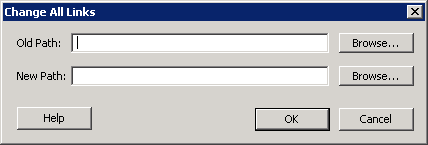 This dialog box is useful when you are linking to shared network folders that may be renamed by other users, or to folders on your local machine that have been renamed.
Figure 121 · Change All Links Dialog Box
Old Path - Location of your old project files. Click the browse button to navigate to the location.
New Path - Location of your new project files. Click the browse button to navigate to the location.