
21.7.3.7 Specific Output Constraints
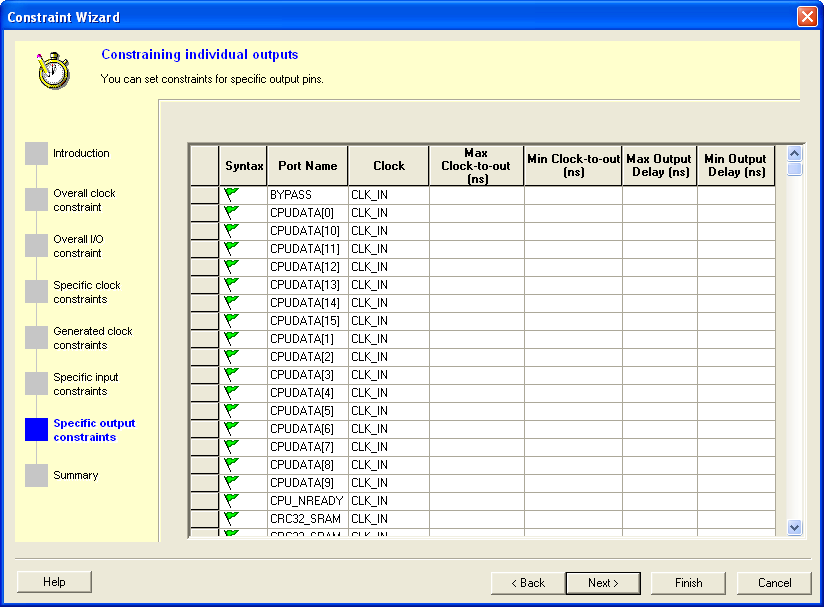
In this window you can set constraints for specific output pins. You can modify the constraints from the grid.
To set a constraint for an output pin:
- Set the maximum and/or minimum output delay for selected pin in the grid.
- Click Next to go to the next step or Finish to exit the wizard.
Note: This option is available only when there is an output pin in your design.
Double-click the Port Name or Clock header in the table to change the sorting order by output port name or clock name.